Cuelist
The default type of cuelist when you launch a new show is the "regular" cuelist, which is colored red.
This type of cuelist works a lot like cuelists in other lighting consoles. When you press play and the fader is up, all of the parameters fade in at the time set.
When you bring the fader up or down, it controls only the intensity - the rest of the parameters will fade in whether the fader is up or not!
The type selection is chosen when the cuelist is recorded and can later be changed in the Cuelist Options window, which you access by pressing the button in the Cuelist Values view, from the playback popup or by right clicking on the playback assignment.
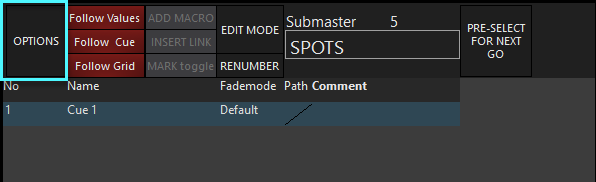
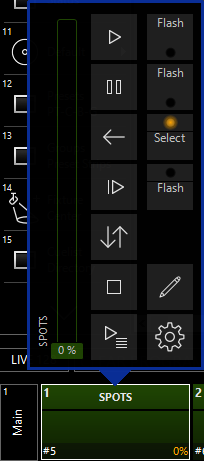
You may also right click on a cuelist in the Main Playback Bank Indicator, then the Options will open. You may also double tap on the cuelist in the Main Playback Bank Indicator and use the "gear" icon to open the options. The options can be accessed in this manner for any cuelist type.
Once inside the cuelist options, you'll see the "General" pane for the Cuelist type. Since the regular cuelist shares all of its' options with the other types of cuelists, you can learn more about them in Cuelist Options.